
KineMaster - Video Editor Free 186.5 MB 8.0.11.35958.GP
You can now download the App For Free.
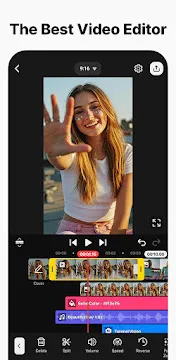
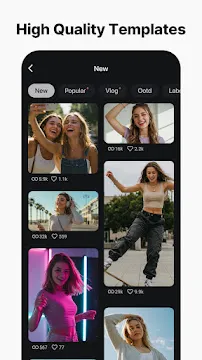
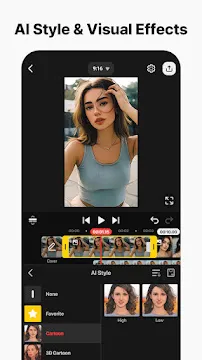
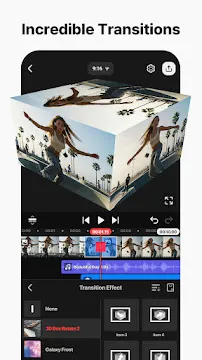
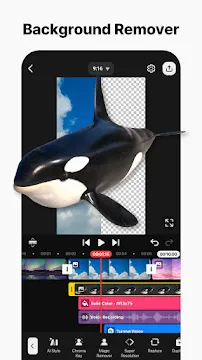
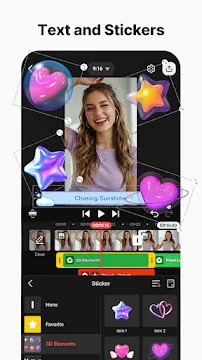
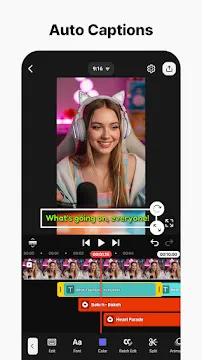
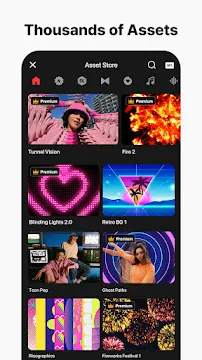
KineMaster is a powerful video editing app designed for Android users who want professional-quality results right from their mobile devices. It provides a full set of editing tools, visual effects, transitions, text features, and audio controls in an easy-to-use interface. You do not need to be a professional editor... Read more
Screenshots
How To Install APK Files On Android Devices
APK stands for Android Package Kit, and it’s basically a way to install apps on your phone without using the Play Store.
Enabling Unknown Sources:
- Open Settings on your Android device.
- Tap on “Security” or “Apps & notifications” (depending on your Android version).
- Find the setting called “Unknown sources” and toggle it on.
- You might see a warning message – that’s okay, just tap “OK” to confirm.
Installing the APK:
- Download your APK file from a trusted source.
- Open your device’s file manager app (like “Files” or “Downloads”).
- Tap on the downloaded APK file.
- You’ll see a prompt asking you to confirm the installation. Tap “Install”.
- The app will start installing. It might take a few minutes depending on the size of the app.
- Once it’s done, tap “Open” to launch the new app!
With these steps, you can easily install APK files on your Android device.
-
PowerDirector
 Download
PowerDirector - Video Editor
PowerDirector offers an incredible video editing experience...
- Samsung Kids
- VITA – Video Editor & Maker
- Amazon Photos
- Niagara Launcher
- CapCut
- Aurora Store
- YouTube Kids